
STRIKEMASTER
Account Request Deletion
Last updated: November 26, 2025
Access Profile
Select 'Delete Account'
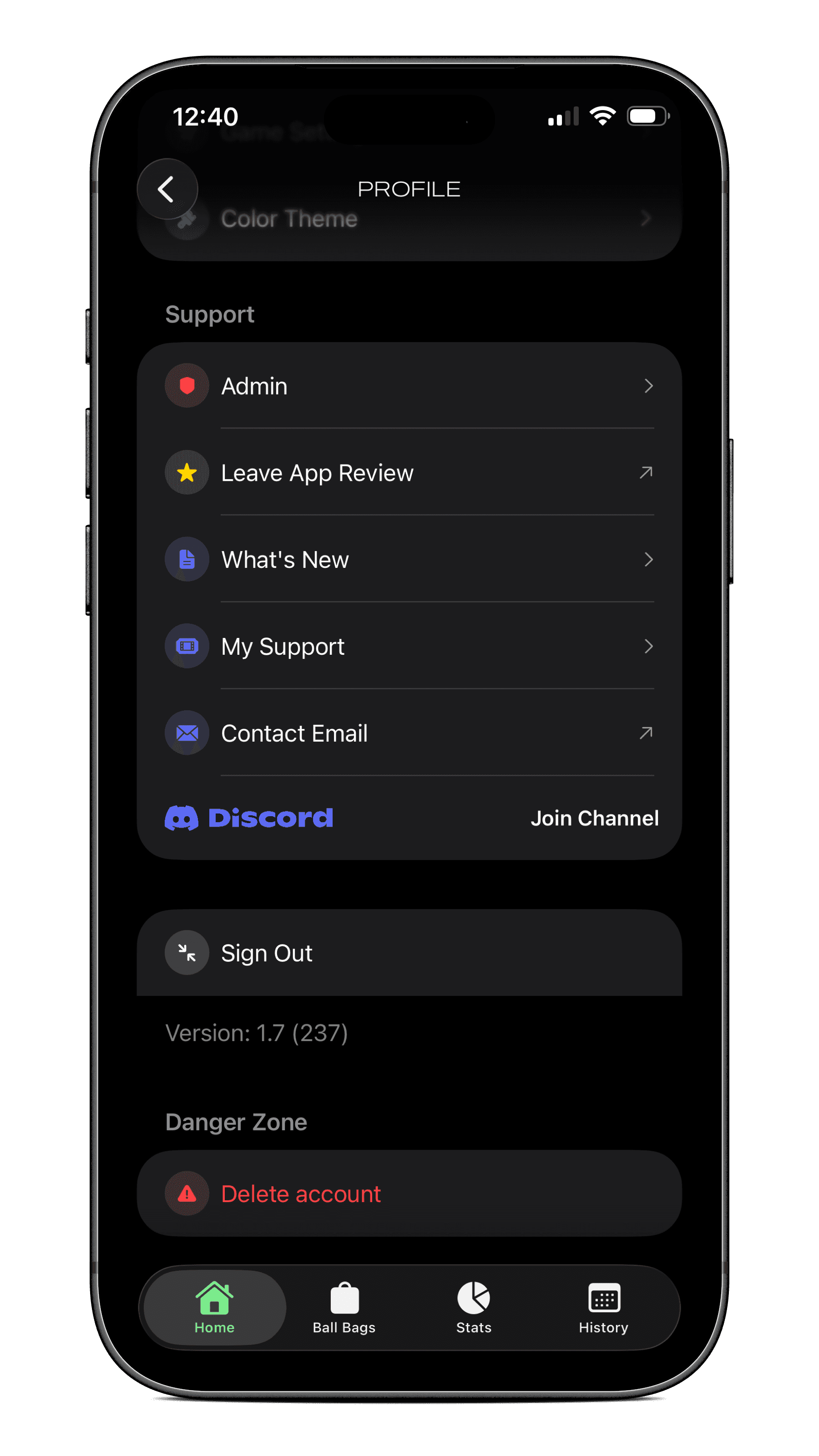
Scroll to the bottom of the settings menu and select delete account. This will delete all game data locally and in online database. The device ID will be retained for 90 days until automatically deleted, the device ID is retained so cant manipulate the freemium trial period, but after 90 days sure go for it start over.

Access Profile
Select 'Delete Account'
Scroll to the bottom of the settings menu and select delete account. This will delete all game data locally and in online database. The device ID will be retained for 90 days until automatically deleted, the device ID is retained so cant manipulate the freemium trial period, but after 90 days sure go for it start over.